# troubleshooting
-
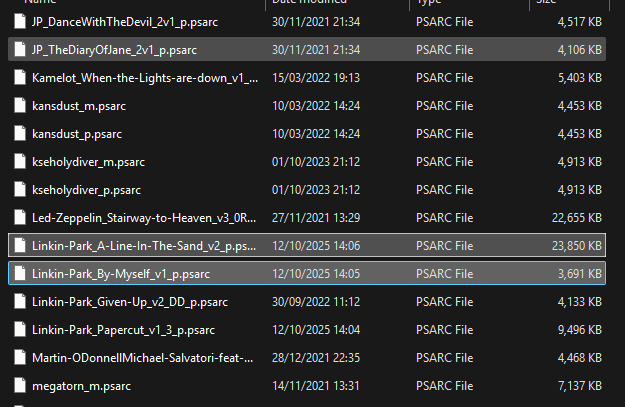
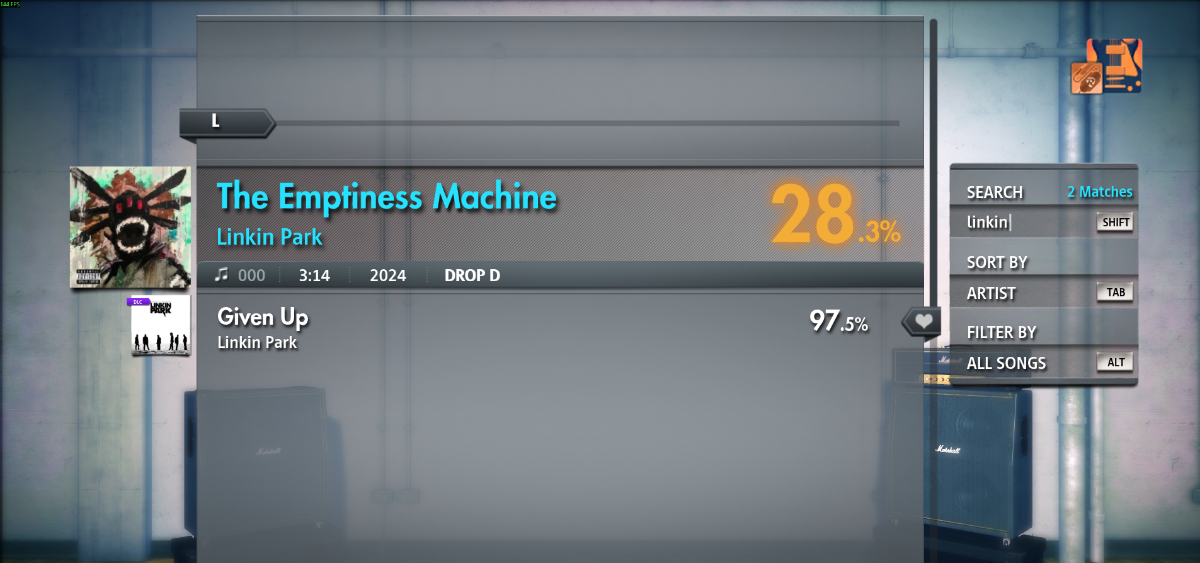
Recently downloaded a couple of songs, placed them in the dlc folder, but they dont show up in game, i already have about 200 CDLC's that i can play normally, its just these songs that arent ingame
- 4 comments
- 2,319 views
-
Recently downloaded a couple of songs, placed them in the dlc folder, but they dont show up in game, i already have about 200 CDLC's that i can play normally, its just these songs that arent ingame
- 1 comment
- 925 views
-
Hi guys, I have Rocksmith 2014 remastered and the official Cherub rock DLC. Both legal and official and all. I am trying to get the CDLC to work but they just won't show up in the list. I use Windows 10. I am 100% sure I have put the D3DX9_42.dll file in the root directory. The spelling of the file is right: I copy-pasted it from the file in the post here for you to be sure. I have the right file types for pc (p_psarc) and I put them in the DLC folder. I unblocked all files right after downloa
- 20 comments
- 23,152 views
-
i bought rocksmith 2014 from steam when it was on sale. i activated it with the cd key from steam and everything was fine until yesterday, when i launched the game and it made me log in then input the cd key. i have tried everything, it always gives me an error that and i need to retry. it doesnt tell me if its my connection or the code or anything besides it doesnt work. (typical ubisoft). ive called ubisoft 4 times and it still doesnt work, ive uninstalled then reinstalled it, rebooted litera
- 3 comments
- 3,554 views
-
Today I finally finished my very first CDLC, but opening it corrupts my save file(s). After having messed around with EoF, Wwise and The Custom Song Creator Toolkit all day I finally ended up with what I thought should be working cdlc for "Nick the Stripper". Wanting to try it out for myself, I loaded it into my dlc folder and booted up Rocksmith 2014. Upon selecting my profile, however, I was surprised by a message stating my save had been corrupted. Slightly disappointed with my loss of prog
- 7 comments
- 2,352 views
-
Tonight I noticed on my Steam library that both my Rocksmith and Rocksmith 2014 have been uninstalled from my Steam library. I have not done anything to uninstall them and I think it has something to do with Steam. I re installed both games and when I have loaded Rocksmith 2014, all my custom DLC are gone. I do have my purchased DLC. I have tried using the latest Rocksmith Toolkit to update the App ID on the CDLC but to no avail. Has anyone else encountered this problem? If you have a solution
- 5 comments
- 5,155 views
-
Lately, I've been unable to both play and test songs in RS2014 on bass, because out of nowhere a few days ago, my bass strings started acting up. Basically, when I strum a string (fingered or picked), it will make a muted, twang-y sound that quickly fades away, though it still makes normal, solid and lasting notes when I strum while holding down on a fret. Unfortunately, this makes traditional tuning pretty much impossible. I posted about this on another forum and was told that this likely ha
- bass
- strings
- troubleshooting
- nuts
-
Tagged with:
- 7 comments
- 3,680 views