# CDLC not showing up
-
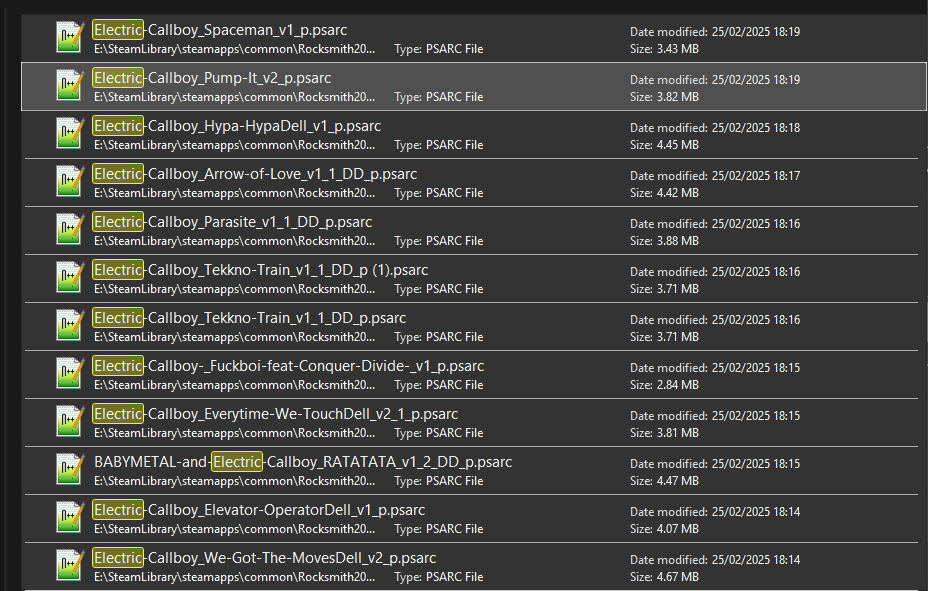
Hi guys, I have Rocksmith 2014 remastered and the official Cherub rock DLC. Both legal and official and all. I am trying to get the CDLC to work but they just won't show up in the list. I use Windows 10. I am 100% sure I have put the D3DX9_42.dll file in the root directory. The spelling of the file is right: I copy-pasted it from the file in the post here for you to be sure. I have the right file types for pc (p_psarc) and I put them in the DLC folder. I unblocked all files right after downloa
- 20 comments
- 23,152 views