# crash
-
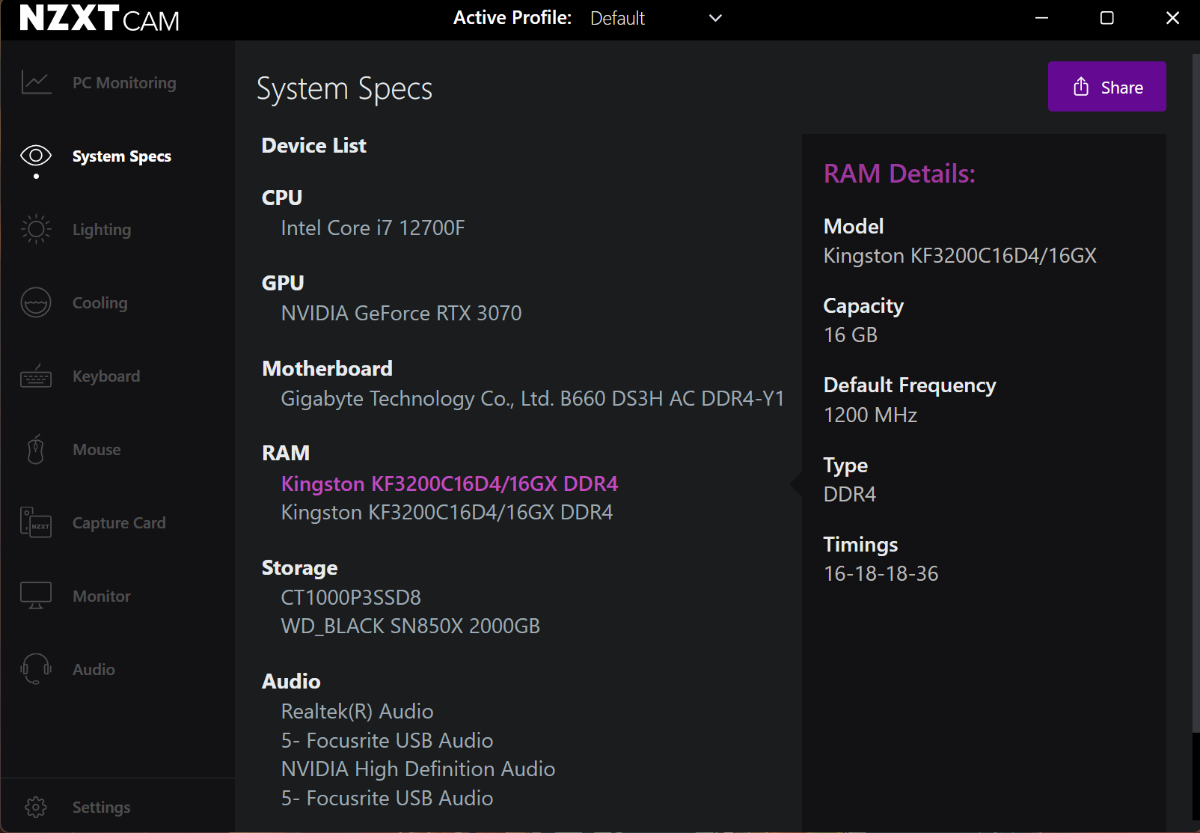
So, the problem I'm having is getting RS2014 to even start at all. When I try to launch from Steam I get a white box for about 1.5 sec and crash. No errors - nothing. I used the CDLC enabler and still nothing. Although when I try to enable it, it asks me to locate my game folder and once I point it to it, it says it was successful. When it worked before it was with the CDLC enabler before the current one. I have done a full re install multiple times on my main C Drive and also on the 2nd ssd - n
- 9 comments
- 7,629 views
-
https://www.youtube.com/watch?v=7LKJvdgRp-g <----- This is a video of what happens when I try to start the game. I have tried checking my audio settings in my control panel, uninstalling and reinstalling, not having the cable plugged in when starting, verified the game cache multiple times, and I removed custom DLC that may have affected the crash. I can't make it full screen because the game crashes right away. Any suggestions???
- 9 comments
- 22,530 views
-
i recently upgraded to windows 10 but now when i launch rocksmith an error message pops up saying: ERROR SOUND INITALIZATION No audio output device detected. please connect and enable an audio output device and restar Rocksmith 2014. i have checked and my audio devices are working but still rocksmith gives me this message. is this a common thing? can sombody fix it?
- 6 comments
- 20,240 views
-
I specifically remember the song Paralyzed from As I Lay Dying working, but since this update it crashes when loading. Any reason why specific customs crash with this new update?
- 5 comments
- 2,464 views
-
Hi, I could need some help with a custom song that keeps crashing Rocksmith. I don't know if the EOF file already has the error in it or it is from working win the toolkit. Here is a video of the crash (at the end where the video suddenly hangs): But even during the song there are errors lighting up where at that moment no notes should be played (because of song level). I could really need some help. Here is a link to the working folder of the song with the toolkit fi
- 4 comments
- 3,655 views
-
I've been getting this error without ever having used the CDLC yet. 😞 I saw an older thread but it suggested making a new one? "Unhandled.Exception: Access to the path 'C:\Users\MyUsernameHere\Documents\CFSM\Tagger\template\motive_bl\Background.png' is denied." The log is below. [2021/11/06 10:40:31]: ==== This is the start of a new CFSM run log ===== [2021/11/06 10:40:32]: Found Steam RS2014 Installation Directory in Registry ... [2021/11/06 10:41:01]: ==== This is the
- 2 comments
- 4,297 views
-
Hi everyone, as the title suggests, out of nowhere my game is no longer loading any of my downloaded songs from here. If I try to load the songs i purchased or the base game songs they load and play fine but any other just gets stuck on the screen there. I tune my bass, start the song and then it just sits on that screen. I can play the bass and I hear sound but nothing shows up. I tried going on the page with the "common crashes etc" but the link to the page that resolves this issue no longer w
- 8 comments
- 4,164 views
-
When i put the .dll file in the rocksmith folder (i don't have steam rocksmith) and try to open it it simply won't start. In the task manager says that for a few seconds the game is running but then turns off. I can't play CDLCs because of this, any fix?
-
Hi, I could need some help with a custom song that keeps crashing Rocksmith. I don't know if the EOF file already has the error in it or it is from later in the process. Here is a video of the crash (at the end where the video suddenly hangs): But even during the song there are errors lighting up where at that moment no notes should be played (because of song level). I could really need some help. Here is a link to the working folder of the song:+ https://tinyurl.co
- 4 comments
- 2,834 views
-
Hi, I created just another song with my toolset and this time the song is crashing Rocksmith. Here is a video where the crash occurs (in a DD file): https://youtu.be/CzVxvilB6Oo What can be the cause of the crash? During CDLC creation I got no error messages that would give me a sign, where the problem comes from. Best, Adrian
- 2 comments
- 1,765 views
-
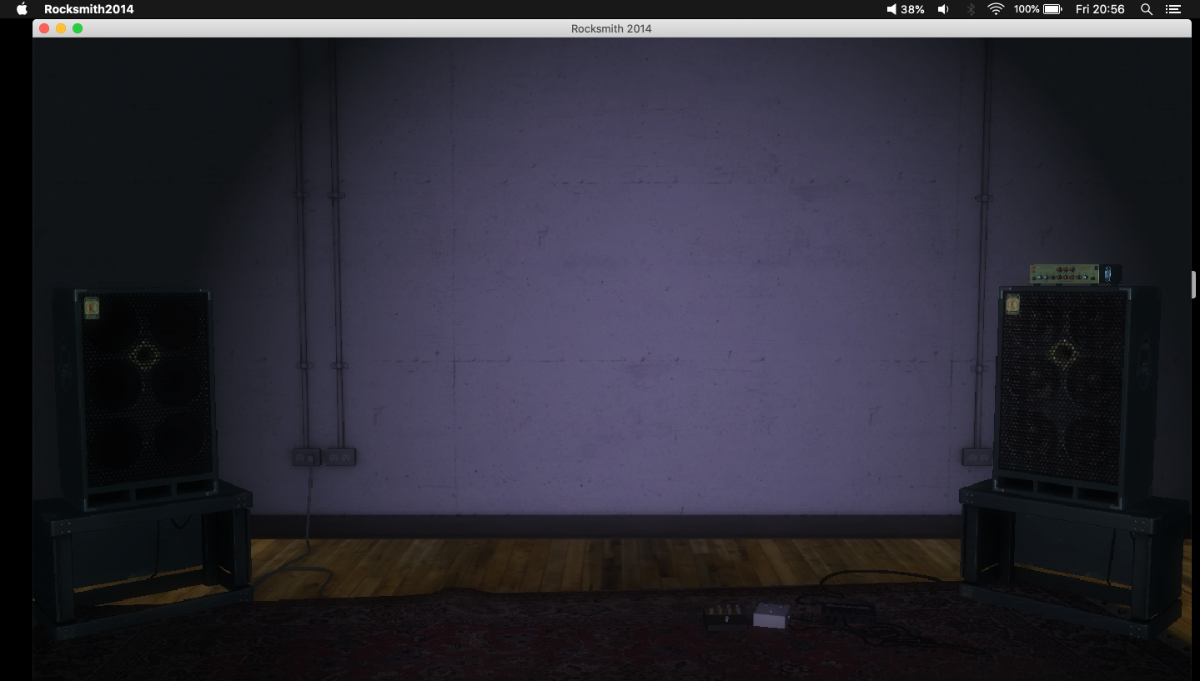
I decided to add a few exercises and songs to RS. I had about 600 songs and now, with a few more and the exercises I have about 800. But now the game has started crashing. I start playing normally and after a while, some album covers start disappearing from the list, themn I know that after playing about one or two songs the game will freeze when loading a new song (the usual "empty room" crash). I rebooted, eliminated all duplicates, cleaned possible corrupt files with Steam and applied the
- 8 comments
- 5,419 views
-
Hi, I had successfully installed custom DLCs and played them quite a few times. I was in the middle of "I Don't Wanna Stop" and hit pause. When I hit exit from the pause menu, my laptop crashed, won't turn on, not even the battery indicator light shows up. My laptop is a Lenovo Ideapad that easily exceeded the minimum requirements, but it is currently a brick. Has this happened to anyone else? I'm thinking of getting Rocksmith for Xbox one, but then I lose so many custom DLC that are so fu
- 2 comments
- 1,840 views
-
Hey guys I need some help. I installed linux mint and my rocksmith stopped working. I use proton via steam but it does not help. Rocksmith chrashes and want me to send problem code to ubisoft. How can i play rocksmith on linux? I tried also to use Wine but Wine can't find .steam folder that is hidden; Help please
- 3 comments
- 3,536 views
-
Hi @ all, my first attempt to use EOF stuck on a frozen start. After appearing of a grey programm window several black ones seemed to open in background. Title shows EOF - No song. No menu available. Quitting programm only via task manager. Facts: Version eof_1.8RC12 with Hotfix 12-20-2018 Windows 10 64Bit Install path D:\Downloads\Programme\CDLC\EOF eof.exe excluded from antivirus scanning (McAfee) tried win8 compatibility mode no unblock button on file preferences logfile attached Any furth
- 4 comments
- 3,613 views
-
This is my first post on the forum so i apologize if i miss out any details that should've been added. I made a cdlc for an original song that I made. I followed the tutorial to the best of my ability and it was fine in EoF. after I converted it into a cdlc file, it shows up on rocksmith, but when I try to start the song, it does the tuning but then just shows the game screen for like 5-8 seconds and then ends the song without anything playing and goes to the results screen. I have no idea wha
- 9 comments
- 3,061 views
-
Hi all, I have an issue with one of my CDLCS where it crashes after the tune up. This issue only occurs with the Lead arrangement. Rhythm, bass and vocals work just fine. I've edited the lead file and rebuilt the p.sarc file multiple times but the problem still persists. Here's a link if you cold take the time to check it out and potentially fix it. Thanks. https://drive.google.com/drive/folders/1TpCcc2Y-neB1Obkxx6KIHQqt9qiAhZq3?usp=sharing
- 3 comments
- 1,764 views
-
Tried every tutorial on the web and here. No matter what I do I simply cannot write the file. Searched all over here and could not find this error mentioned anywhere. Im sure Im missing something completely stupid but I don't see why every tutorial gives me the same error. This last build was just the bass, no vocal or lead. Any help would be swell, TIA. http://i1377.photobucket.com/albums/ah49/Cataclysmmm/rocksmitheditor%20error_zpsshozacly.png
- 18 comments
- 6,820 views
-
https://1drv.ms/u/s!Al49olS7713WiKQZOgJDVqRyOMGQOw Is any one able to analyse this for me. Ive attempted to compile this for days. Cream- Crossroads
- 1 comment
- 2,009 views
-
So, MicroSoft has gone and done it to us again... or at least me... :unsure: Last night there was an update to Windows 10, afterwhich RST freezes. Whenever I run RST it opens fine, but as soon as I click a button, like to add a tone, or even any of the menu items at the top - File, About, Config, the program freezes. I downloaded a fresh version 2.7.0.0 and it performs fine. I can't send a log file, as it is not generating one, there is no exception error message. Is anyone else encount
- 3 comments
- 1,666 views
-
I made a chart and everything worked except for the riff repeater. I found out it was because I converted the audio without setting the "seek table granularity" to 16384 from this topic: http://customsforge.com/topic/27445-issue-with-cdlc-riff-repeater/ However, after doing that my song suddenly starts freezing after getting past the tuner. I have tried changing the conversion settings to what I had before, and now even that doesn't work anymore. Anyone know what this could be?
- 11 comments
- 6,758 views