# update
-
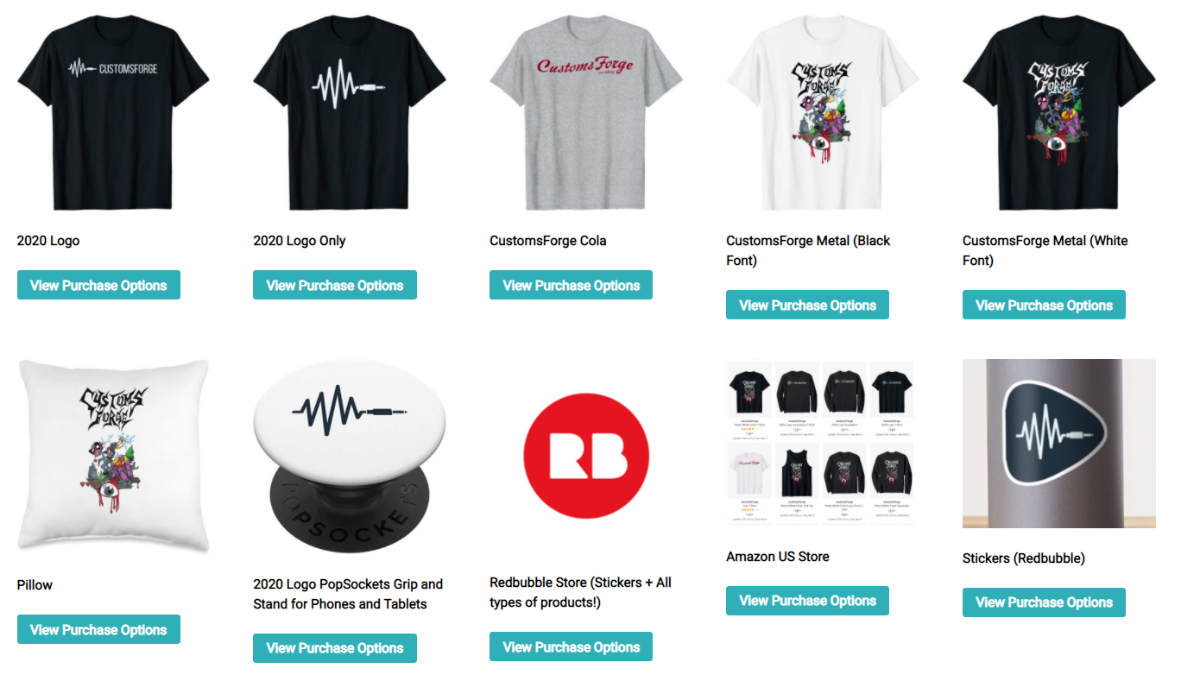
We have a few things coming up in the future and a few things to announce. First, I'd like to announce that we have relaunched our merch store. It is available in 7 regions on Amazon and also on Redbubble. Additionally, Redbubble offers magnets and stickers. We set our revenue to the lowest as we want to bring these to you for the cheapest prices possible. If you're interested in buying some merch visit our new merch store - https://customsforge.com/merch/. We have a new 2021 design b
- 4 comments
- 25,290 views
-
i think itd be easier a nice way to dowload songs i probably wouldnt. also it helps when you dont know much of the genre but would like to learn. like atm im looking for blues or a jazz band but i cant find.
- 2 comments
- 3,107 views
-
CustomsForge Newsletter (Issue 1 | Aug 2018) Hey all, I apologize for the late response I've been working my ass off at a few temporary jobs. Thank you for reading this update! I'm going to discuss a few things here: DDoS Attack & Discord Raid Lately, we've been targeted via Discord "raids" (where bots spam our discord) and DDoS attacks. Our amazing team of Administrators and Moderators have been keeping an eye on this and have been reso
- 6 comments
- 10,564 views
-
Hello, i have uploaded a CDLC a few days ago but found some more errors in the guitar tab afterwards. Now i want to update the download link with a new one but i can't find the option to do so. Can someone help? Thanks
- 2 comments
- 2,620 views
-
Hi, So, I've recently updated Rocksmith, and no longer have access to CDLC songs I previously had access to. I've already redownloaded the .dll file, double checked to see that I bought Cherub Rock (I did), and am running it off steam. Furthermore, I've made sure that all my CDLC is in the DLC folder. Can somebody please tell me what I'm doing wrong? Thanks!
- 4 comments
- 2,387 views
-
So I want to update my songs since I realize that most of them have not been updated and therefore do not work with the current version of Rocksmith. However I don't have backups set up due to having a new computer and I have not made a custom in quite some time but I do keep playing this game :D Anyway, do I have to start over and make the songs again or is there a way to import and easily modify for I remember doing this at times for quick fixes but I forgot how and couldn't figure it out
- 6 comments
- 2,747 views
-
How can in updat it? I used Guitar Pro 6 for a while,and there were things,that went wrong,so i went back to 5.But when i want to open an older guitar pro 6 tabs it says:To open this file,please update your guitar pro version.
- 5 comments
- 5,178 views
-
Hi, I was wondering if the Song Creator tool kit's list of DLC will be update one day ? I know, Its my fault, but I actually buy 2 songs today, only for have custom content, and these 2 songs doesn't appear, and I don't find an update version of this program. ( These two songs are "Last Resort - Papa Roach" and "What I've Done - Linkin Park" ) I don't hide that I'm a little bit disgust, because I was like "yeay I can finally play some paramore/bmth songs nooow. x)
- 7 comments
- 3,706 views
-
Hello there, I've been on a boards for quite some time (firstly smithy's then custom's) and I think I have some suggestions worth sharing. Some of them might have been suggested before, but I couldn't find the particular thread or reply. The suggestions are not sorted by importance, just how they came to my mind 1. DLC MANAGER I know this isnt suggestion for board. But it is for the developers and programmers. I know that back on smithy's there was this project, a program where you could
- 13 comments
- 5,286 views