

ChartPlayer - a free and open source song chart player
- Replies 126
- Views 59k
- Created
- Last Reply
Top Posters In This Topic
-
ladron 70 posts
-
Shroud 8 posts
-
Dueleus 5 posts
-
J_1eighty2 4 posts




Most Popular Posts
-
I haven't checked the latest improvements but I just wanted to say again that this is already an incredible job!
-
ChartPlayer v0.1.11 is now available: https://github.com/mikeoliphant/ChartPlayer/releases/latest Changes: Escape key returns to song list Display note detection % Supp
-
ChartPlayer v0.1.26 is now available: https://github.com/mikeoliphant/ChartPlayer/releases/latest Changes: Fixed some path separator issues on Linux Fixed ogg sync issues with ChartPlayerJack Added
Posted Images


Featured Replies
Recently Browsing 0
- No registered users viewing this page.
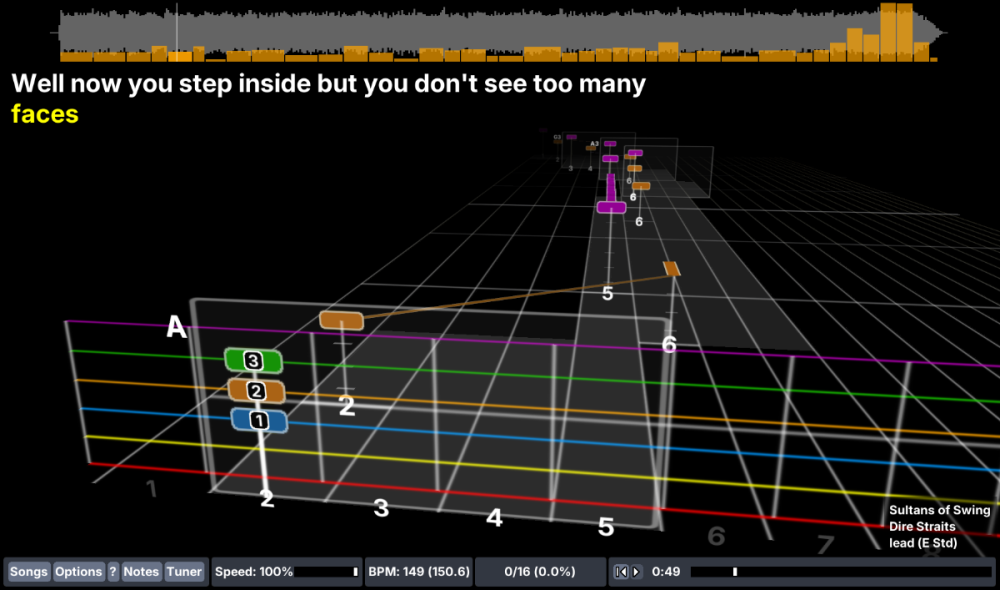
ChartPlayer is an application for playing along to charts synchronized to music (such as Rocksmith CDLC charts).
It runs as a VST plugin inside your DAW so that you can use any other plugin you like (ie: guitar amp simulation) for your instrument sounds.
Features include:
- Support for guitar, bass, drums, keys and vocals
- Very fast startup and song loading
- 3D, "note highway" display
- Note detection
- Pitch shifting of songs that are slightly off of standard tuning
- Adjustable song playback speed
You can always download the latest version of ChartPlayer here:
https://github.com/mikeoliphant/ChartPlayer/releases/latest
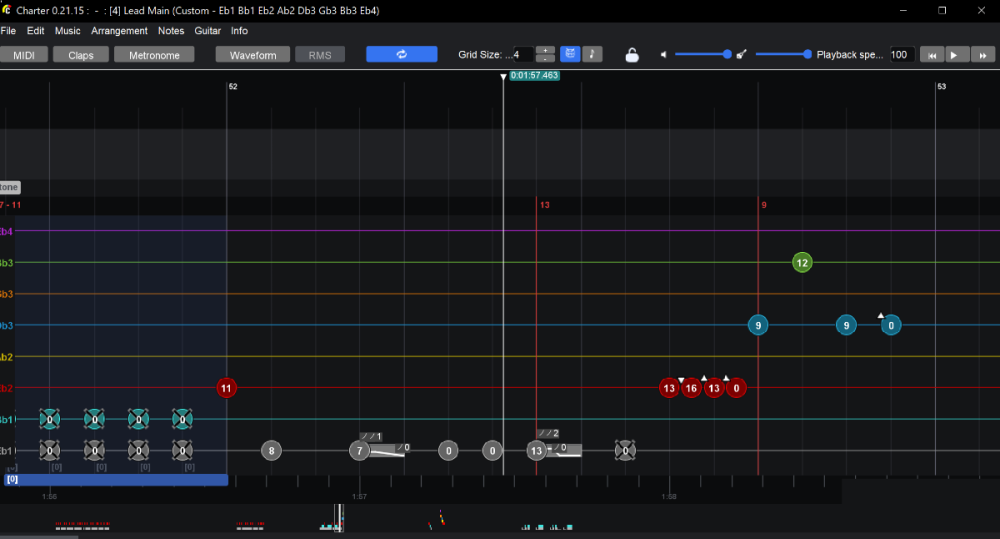
ChartPlayer plays songs in OpenSongChart format. Rocksmith PSARC files can be converted to OpenSongChart format for use in ChartPlayer using ChartConverter. You can download it here:
https://github.com/mikeoliphant/ChartConverter/releases/latest
ChartPlayer runs on Windows (as a VST) as well as Linux and Mac (as a Jack client).