Jump to content

Ignition4 Bug Reports and Issues

  • Administrator


If you encounter any issues or problems while using Ignition4, we appreciate your cooperation in reporting them to us. This thread is dedicated to collecting bug reports to ensure a smoother experience for everyone.

To help us identify and address the issues more effectively, kindly provide the following information when reporting a bug:

  • Operating System:
  • Browser:
  • Browser Version:
  • Description of the Problem:
  • Steps to Reproduce:

Please make sure to be as detailed as possible in your description. The more information we have, the better equipped we'll be to investigate and fix the issue promptly.

Thank you for your contribution to making Ignition4 better!


"Just remember: when something breaks, kick it as hard as you fucking can"

-Trent Reznor
Support Me (Via Patreon)

  • Replies 106
  • Views 23.3k
  • Created
  • Last Reply

Top Posters In This Topic

Most Popular Posts

  • Unleashed2k
    Unleashed2k

    12 hours ago, kozaka said: Hi! I am a bit confused on the new 'Submitted Reports' page. I think I know what you ment with the column, but actually, the status of a Submitted Report

  • On 7/27/2023 at 5:25 AM, Unleashed2k said: I have changed the wording to CDLC Status, hopefully that helps. Thank you!  

  • Unleashed2k
    Unleashed2k

    1 hour ago, MetalGoat said: Just edited my profile to show my guitar, and it doesn't so I guess same time tommorrow should be updated? Looks like it worked automatically, should b

Posted Images

Featured Replies

38 minutes ago, robertsmith1993 said:

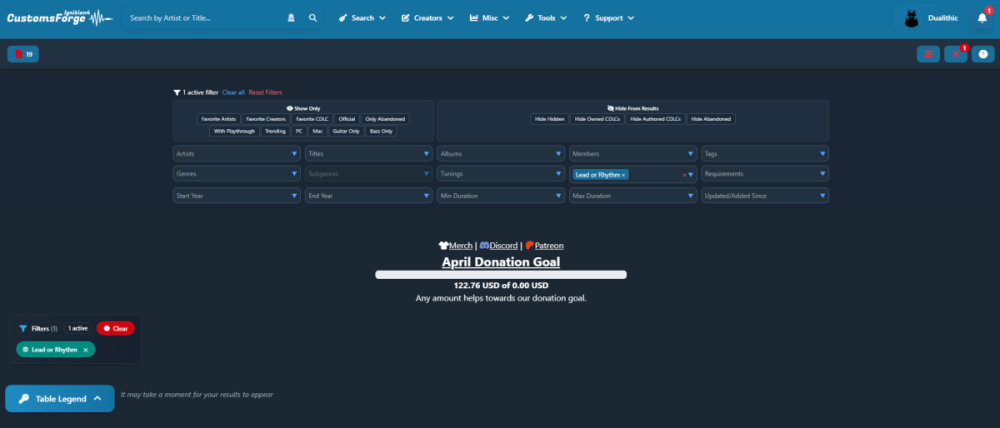
cant get on to search at all loading ignition4.customforge.com in any browser just hitting me with http 500 error

Screenshot 2026-02-09 195519.png

having same issue. Tried clearing browser cache and restarting Chrome with no luck

Edit: Okay, it's working fine, thanks again whoever fixes these things, you're awesome!

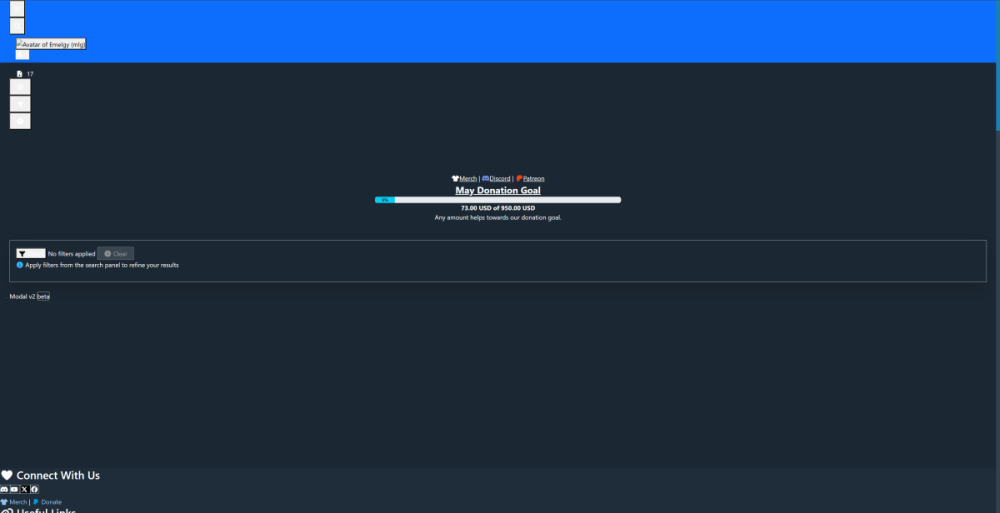
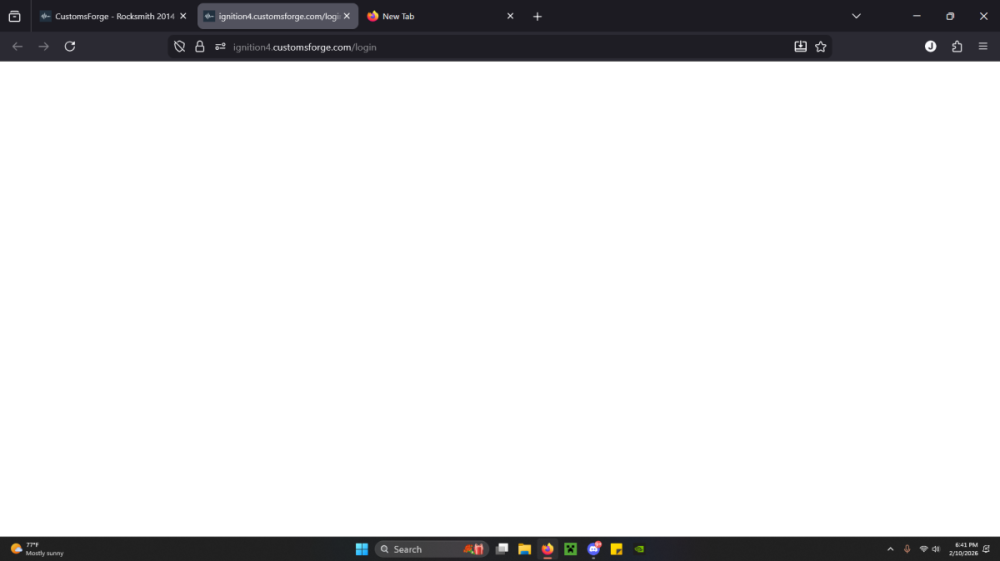
Hi, I've been on here for a while and never had issues opening/launching the Ignition4 database before, but for some reason it's just opening to a blank white screen--- not sure if it's a me issue, or something I need to tweek? Thanks in advance!

Operating System: Windows 11

  • Browser: Firefox

  • Browser Version: Firefox?

  • Description of the Problem: Ignition4 opening to blank white screen

  • Steps to Reproduce: Logging on to "CustomsForge" and then "accepting cookies" and then clicking on "Ignition4", then just blank screen

Screenshot 2026-02-10 184122.png

Join the conversation

You can post now and register later. If you have an account, sign in now to post with your account.
Note: Your post will require moderator approval before it will be visible.

Guest
Unfortunately, your content contains terms that we do not allow. Please edit your content to remove the highlighted words below.
Reply to this topic...

Recently Browsing 0

  • No registered users viewing this page.


Important Information

By using this site, you agree to our Guidelines. We have placed cookies on your device to help make this website better. You can adjust your cookie settings, otherwise we'll assume you're okay to continue. - Privacy Policy

Account

Navigation

Search

Configure browser push notifications

Chrome (Android)
  1. Tap the lock icon next to the address bar.
  2. Tap Permissions → Notifications.
  3. Adjust your preference.
Chrome (Desktop)
  1. Click the padlock icon in the address bar.
  2. Select Site settings.
  3. Find Notifications and adjust your preference.