# Rocksmith 2014 Xbox 360
-
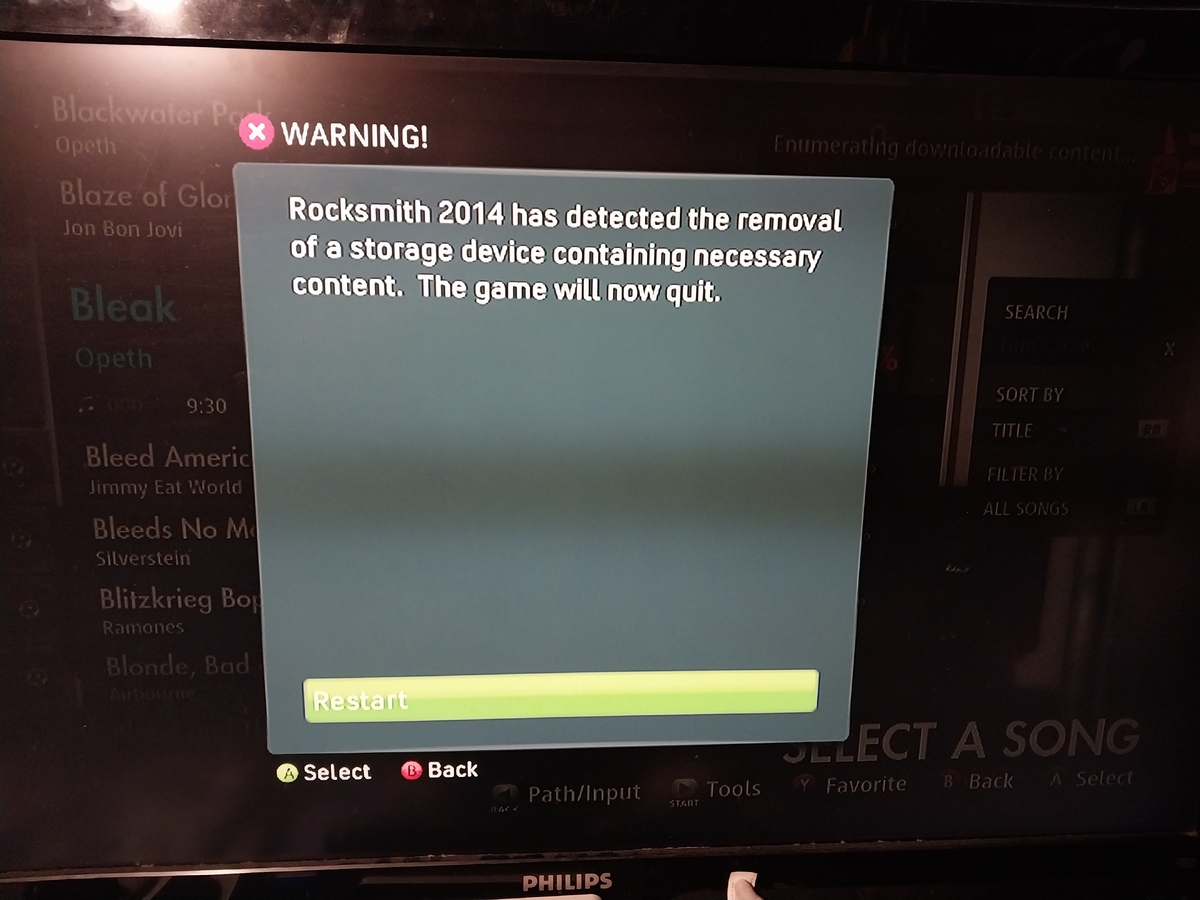
Hey, so while waiting on my DLC, since I have purchased all my DLC for Rocksmith 2014, including the CDLC, I get an error with the dlc with enumerating. It said, "Rocksmith 2014 has detected the removal of a storage device necessary content. The game will now quit." Anything I could do to make my DLC/CDLC working? I threw them in a USB drive to see if it worked. Thanks!
- 2 comments
- 448 views
-
I am having problems getting Xbox 360 to recognize Cherbrock. I created files in the HDD1/Content/000000000/555308C0/00000002 and it appears it does not see them. Question 1) Is the place where I created the new files correct? Question 2) is the 555308C a zero or the letter "O"? Any help is greatly appreciated and if it works I will send you a check for your time to help. Contact me at: willybinfamous@@msn.com Thankyou.
- 1 comment
- 2,223 views