# realtone cable
-
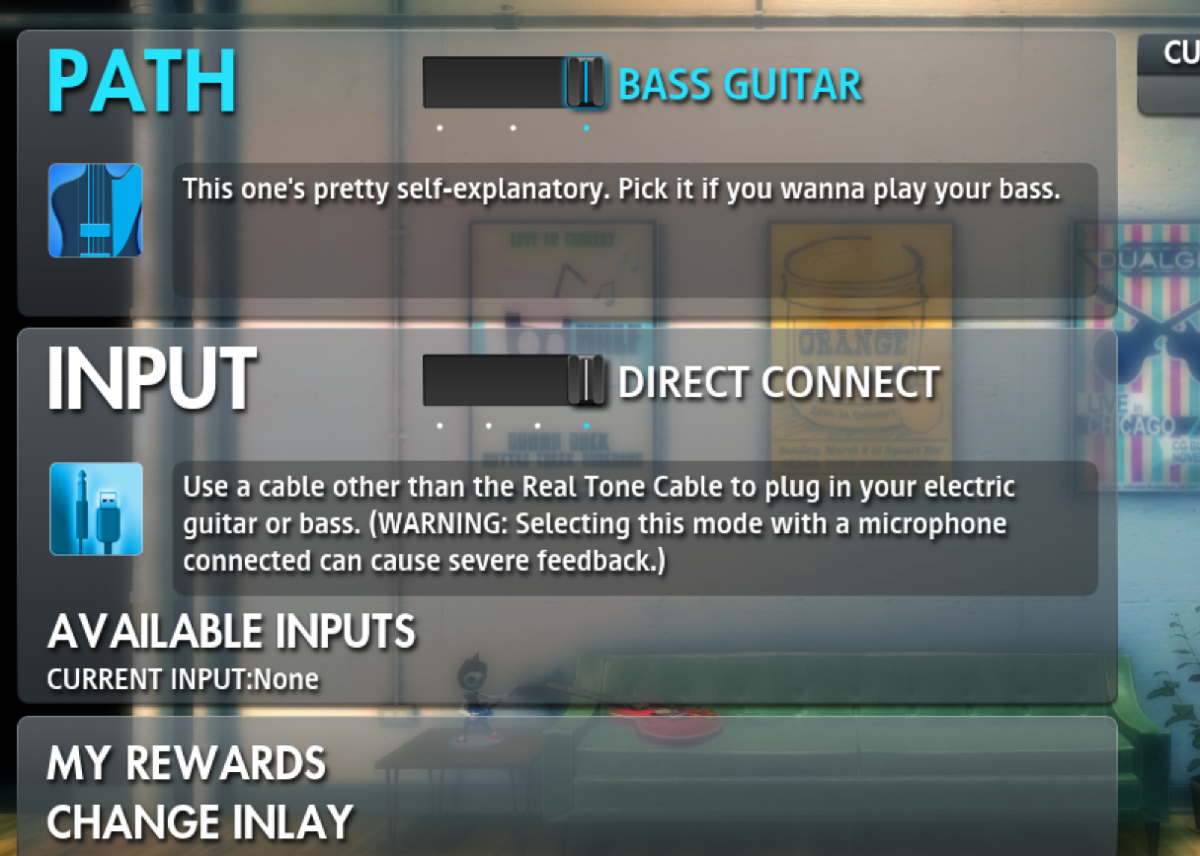
I enabled Direct Connect in RSmods, yet it shows having no input device (using aux to usb cable). I've tried using Nocable as well. Nothing works. Here is the list of things I've tried/checked Plugging into different USB ports Nocable Checking the sample rate Disabling all other microphone devices etc Enabling direct connect in rsmods Checking that the cable actually works (it does) Making sure that apps have access to my microphone etc
- 4 comments
- 4,579 views
-
Hello all... I have Presonus Studio 24 and RTC Cable. Both are plugged to my PC. When I try to take the sounds to OBS, I can not use the sound coming from my Presonus Studio 24 (especially for microphone for chatting with the audience) As I tried the DLL modification, the DLL has been broken and no other sound came out from Rocksmith. Needed to reinstall it. The problem is that i couldn't find my sound card model on the list of sound interface selection screen on DLL modifie
- 1 comment
- 2,556 views
-
Anyone else having issues with their RealTone cable not working? I have tried both of mine (one older and a brand new one) and also tried my bass directly in my amp (which worked fine). Haven't been able to play for about a week. Any suggestions?
- 1 comment
- 1,851 views
-
Hey guys, I may be having a potential cable problem. I know the real tone cables have had issues for years, here is what I am experiencing. when I plug the cable into my pc, start Rocksmith, pick a song, it will ask me to tune my Bass and it says that the cable is not connected. now if it connect/disconnect usb then breakaway connector , unplug the guitar cable several times it starts to work. as i'm playing, it never stops working, works flawless until I unplug it, put it away, and start all ov
- 8 comments
- 6,921 views