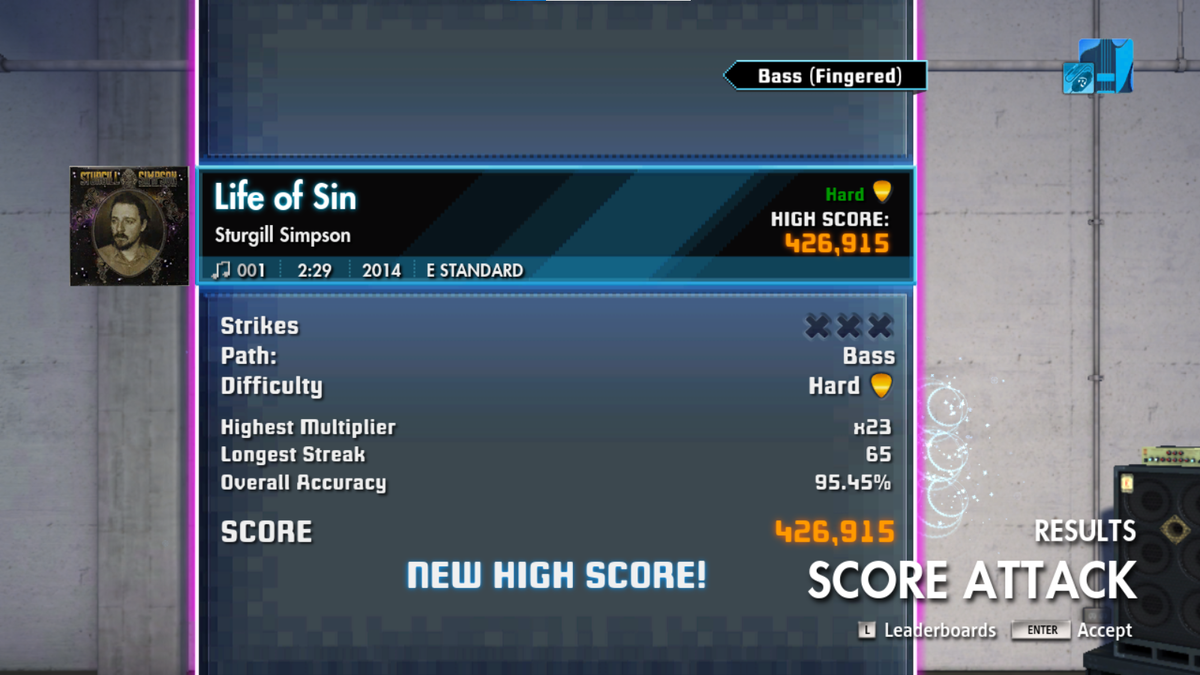
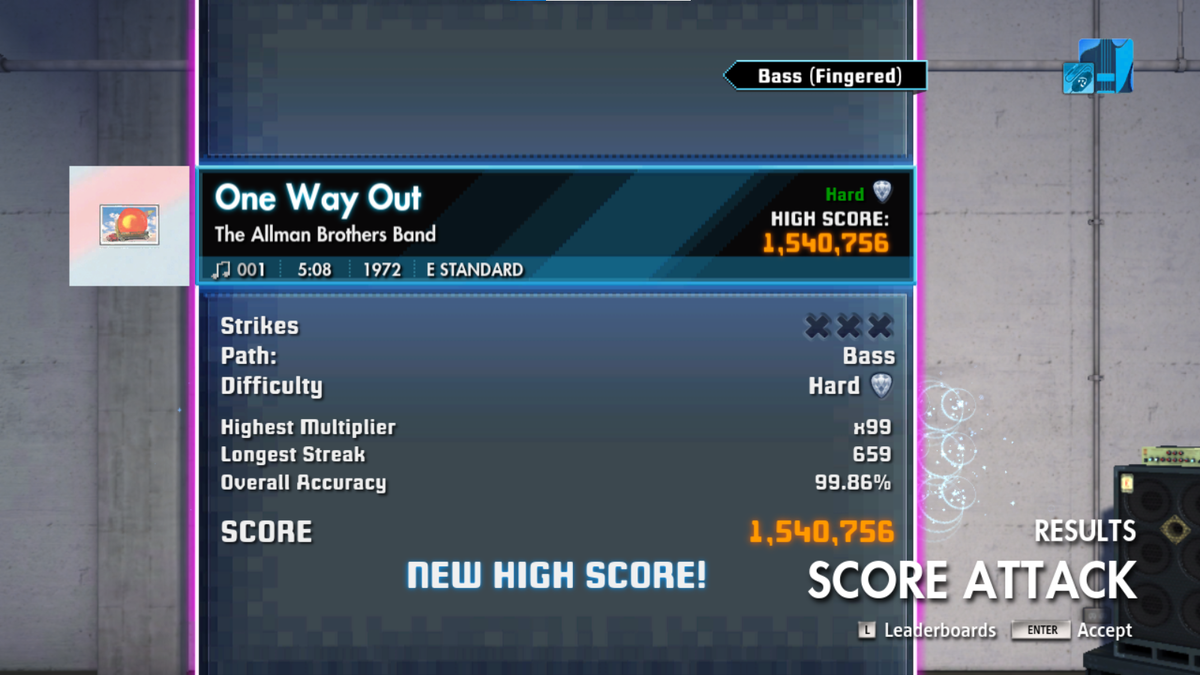
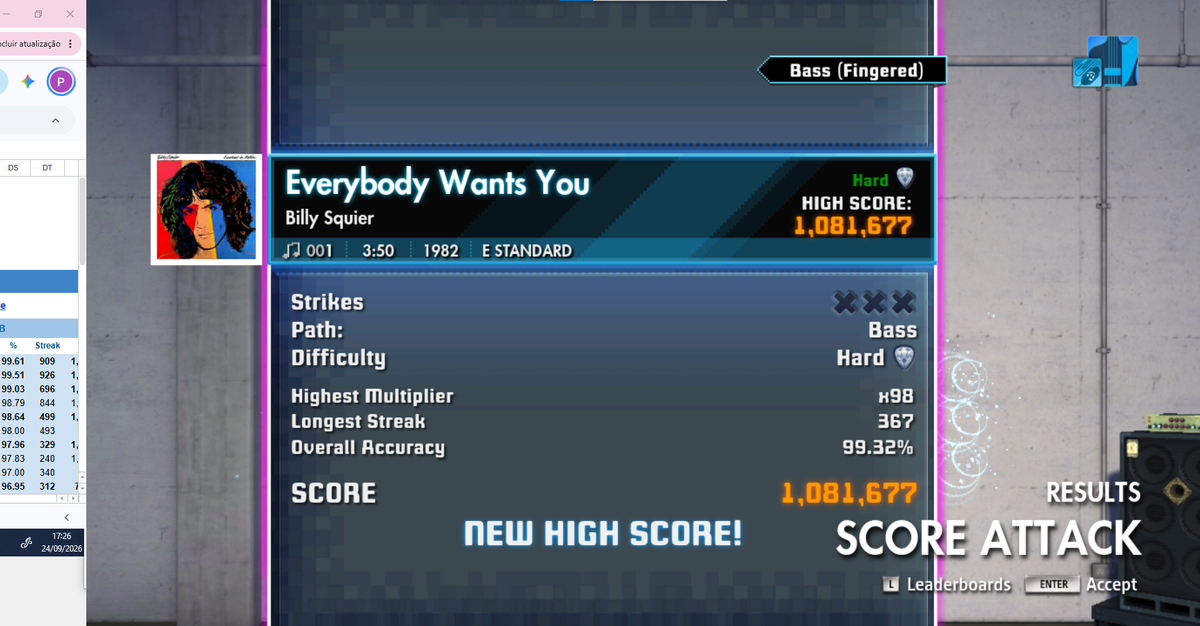
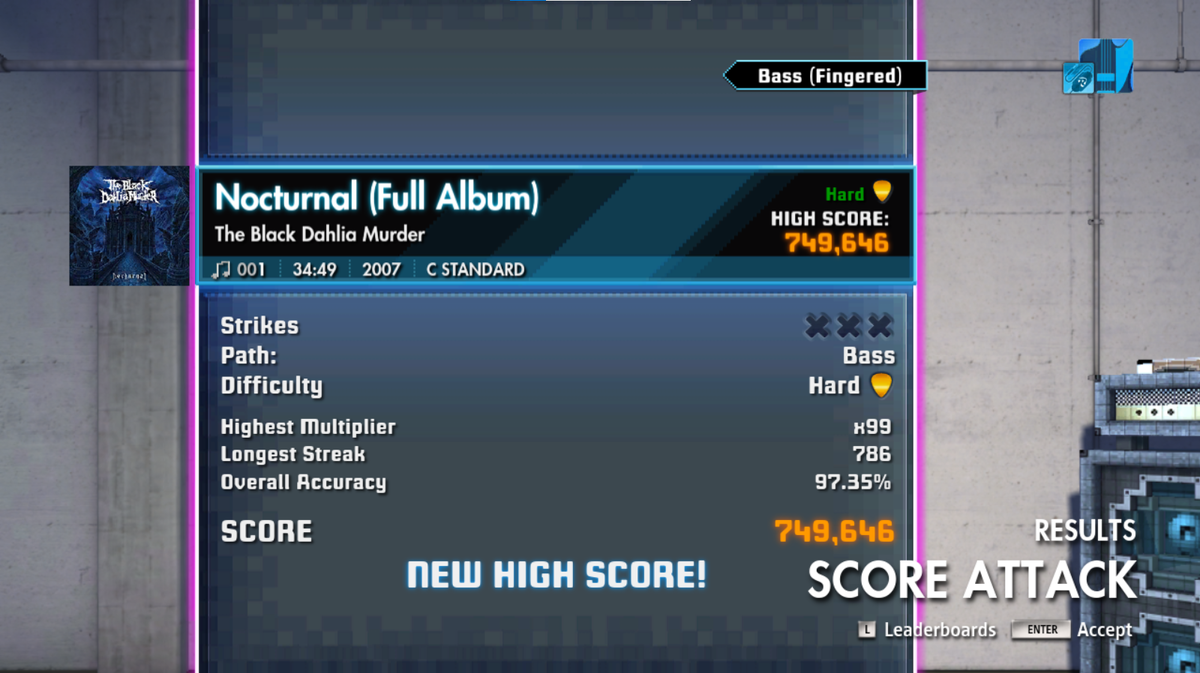
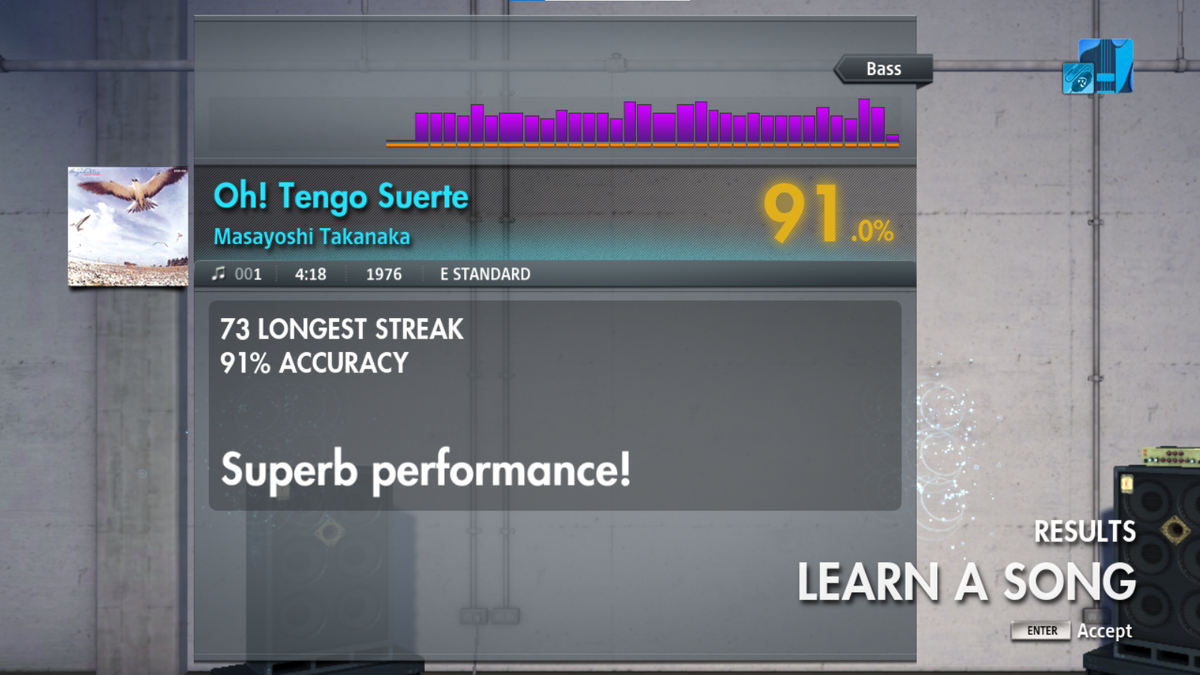
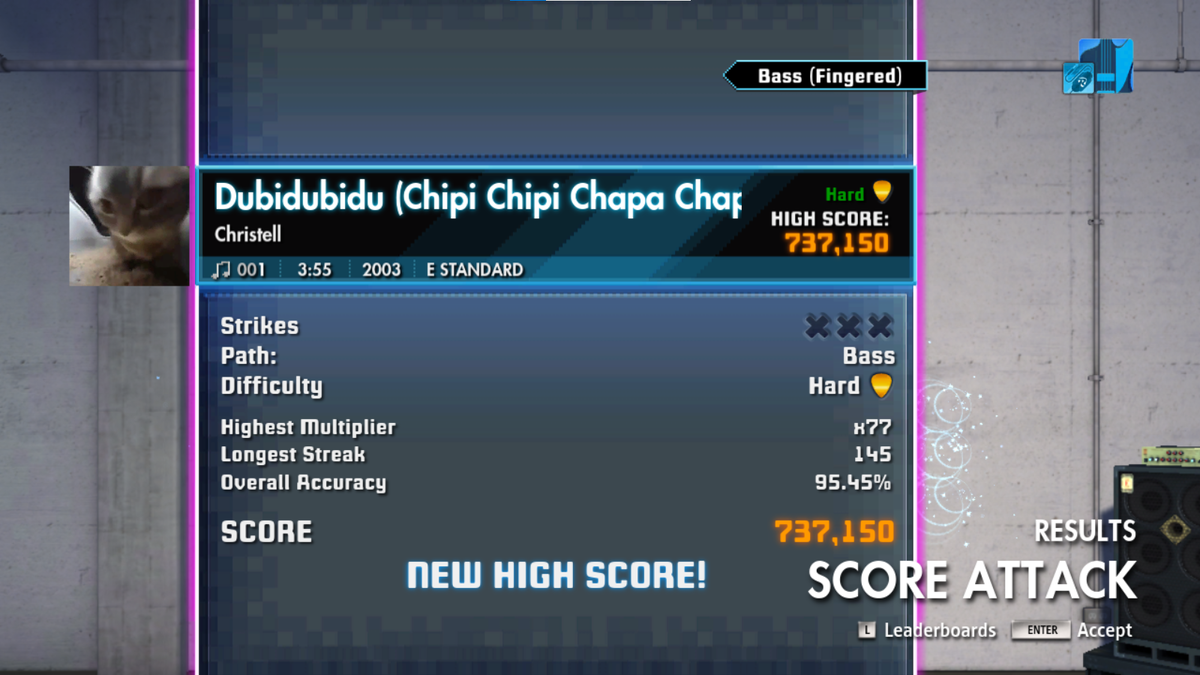
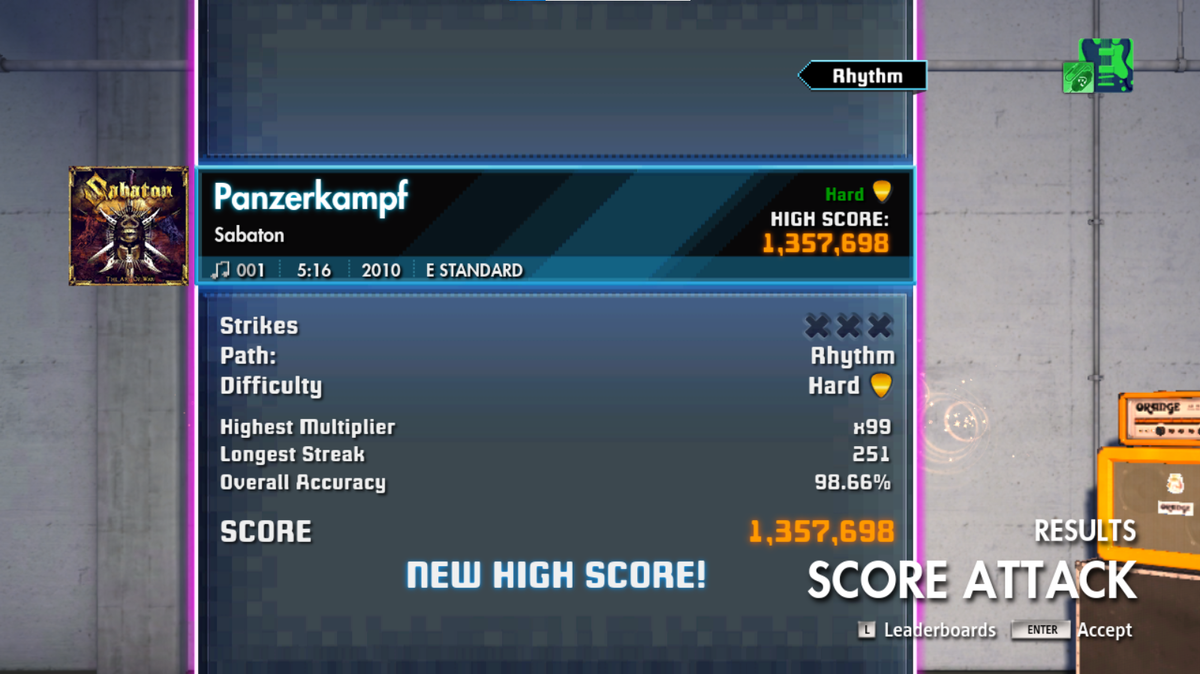
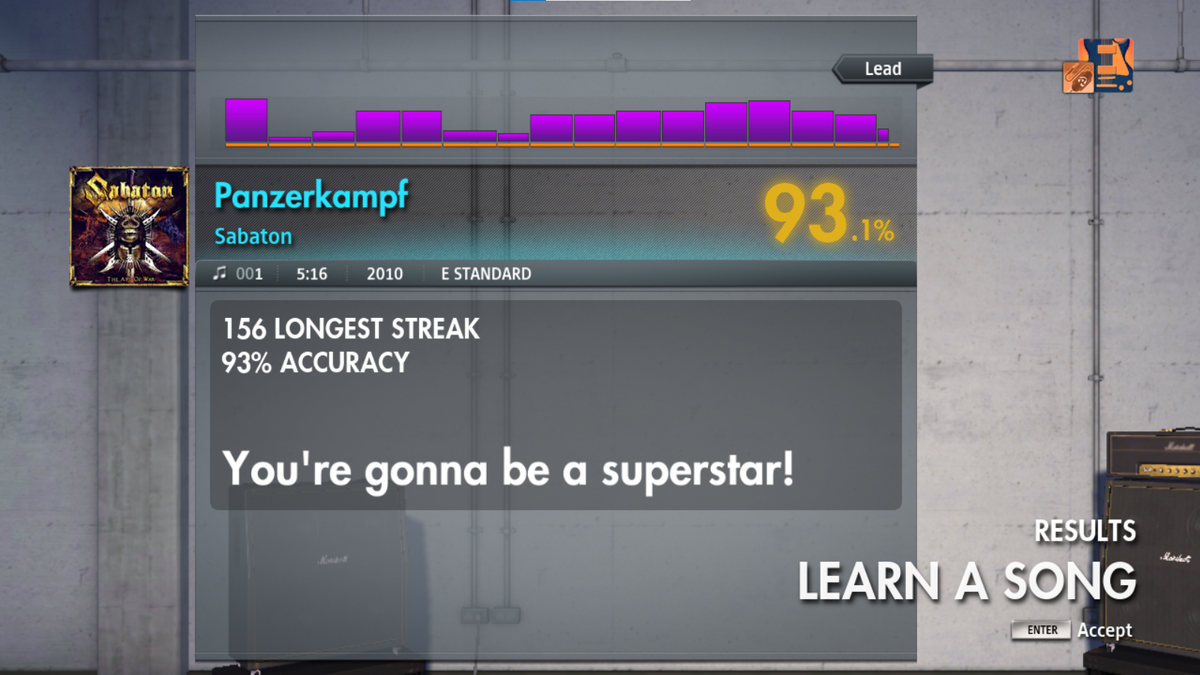
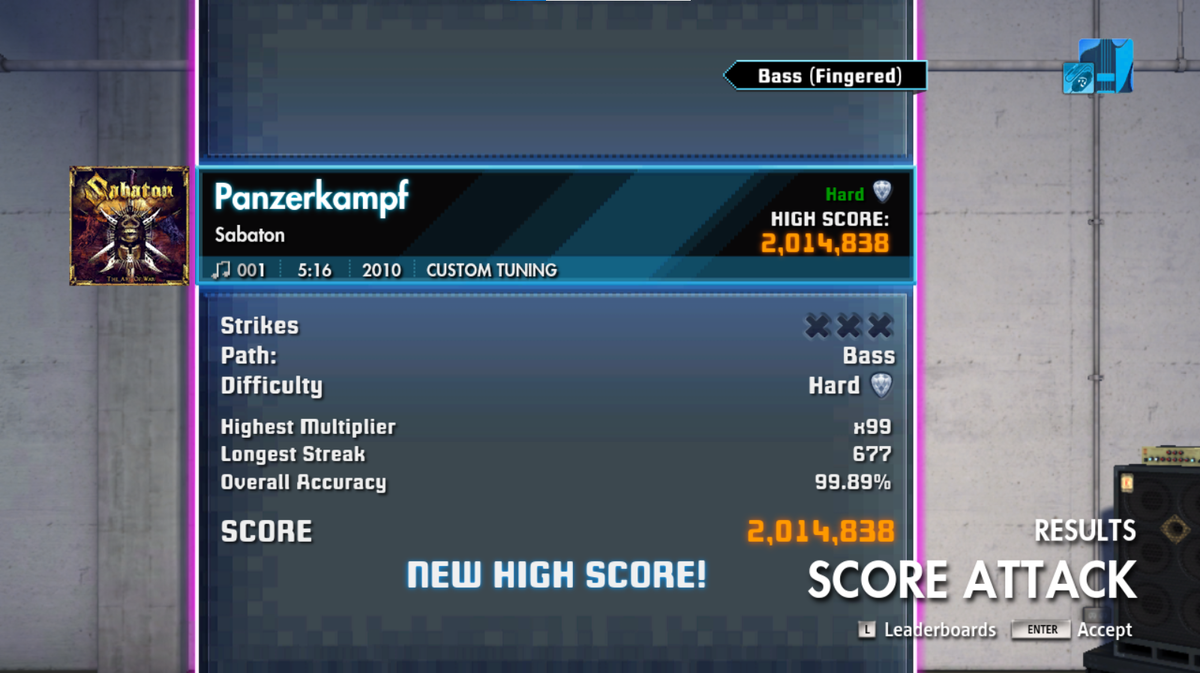
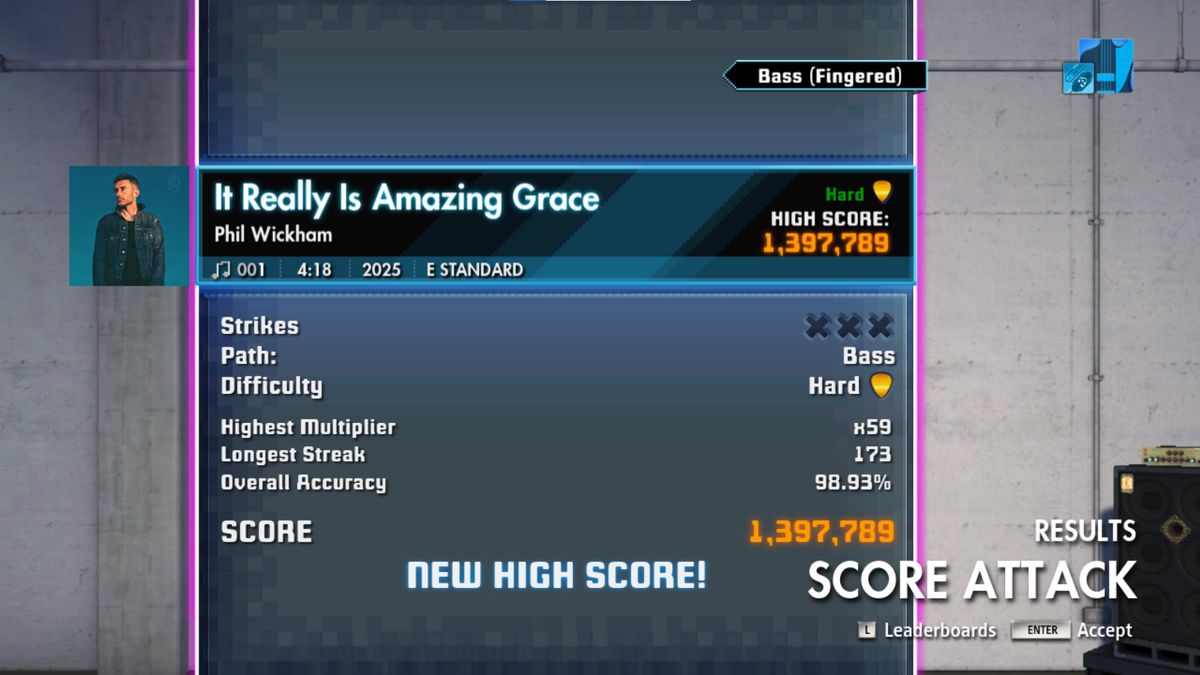
-
Rocksmith 2014 Championship Week 667
- Rocksmith 2014 Championship Week 667
Tx u all for the tips. Long time ago, before Rocksmith 2014, I tried to make some cdlc for Rocksmith 2011, but I remember had no that luck, only at bass paths... But, now with musical ai like songster, I came back to this work. And I knew it had a lot of issues, but on some songs, it transcribed the bass nicely (I mean 95-100% correct). Guitar is some weird on some songs... Drum (I used it in dtxmania to play with an dm211 eletronic drums that I bought to my son studies), but drum is horrible on some songs.... Anyway, goplayalong is a nice tool, but I get nice results with sonic visualizer, which is totally free. Now, let's back to championship...- Rocksmith 2014 Championship Week 667
Hi guys. I know this is off topic, but I'm trying to put some songs on game using eof and rstoolkit and gp5 from songster ia transcriptions. In some songs bpm changes a lot during song, wich make me loose a lot of time adjusting note by note. So in this saga, I have discovered two softwares gpa and sonic visualizer, which help me a lot with this work, but still have some songs that theese tools doesn't work, despite do 90% of work. So, i made a script with IA Gemini help that get jsons from songster with sincronization points, wich work with, let's say, 99% of songs (since they're was tabbed there, of course ang gp5 and YouTube mp3 came from there). My question is there is another tool like sonic visualizer or gpa, that make sync work for us? Once again, sorry for this off topic post...- Rocksmith 2014 Championship Week 665
- Rocksmith 2014 Championship Week 665
- Rocksmith 2014 Championship Week 664
- Rocksmith 2014 Championship Week 663
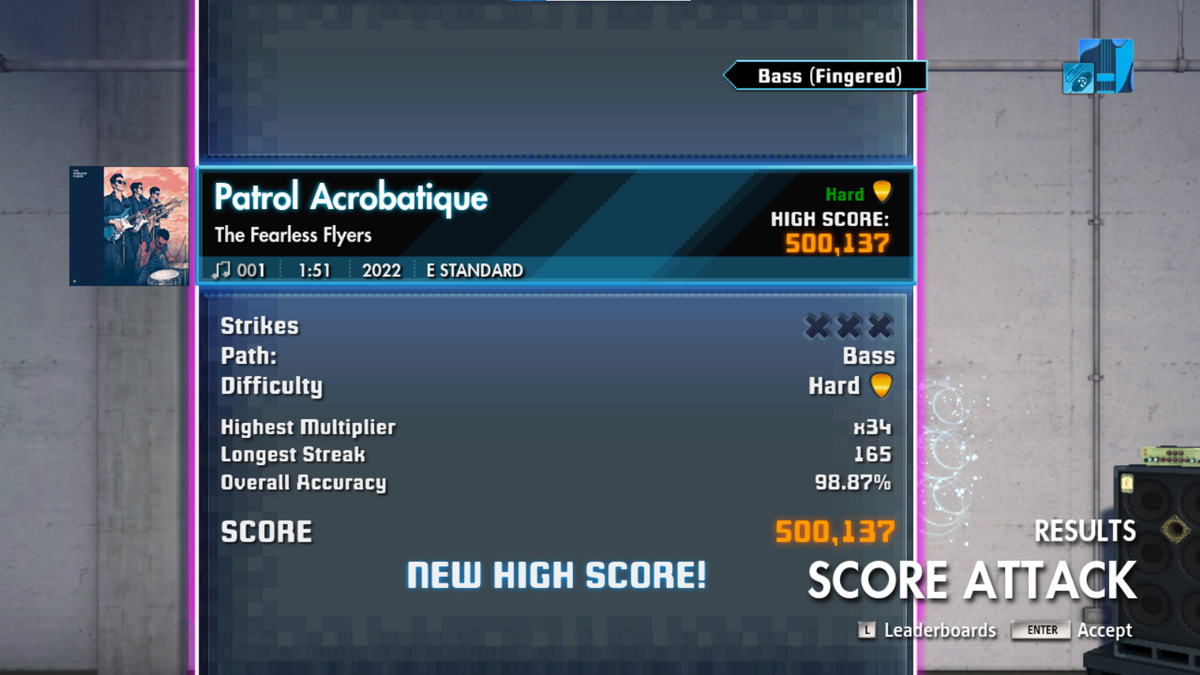
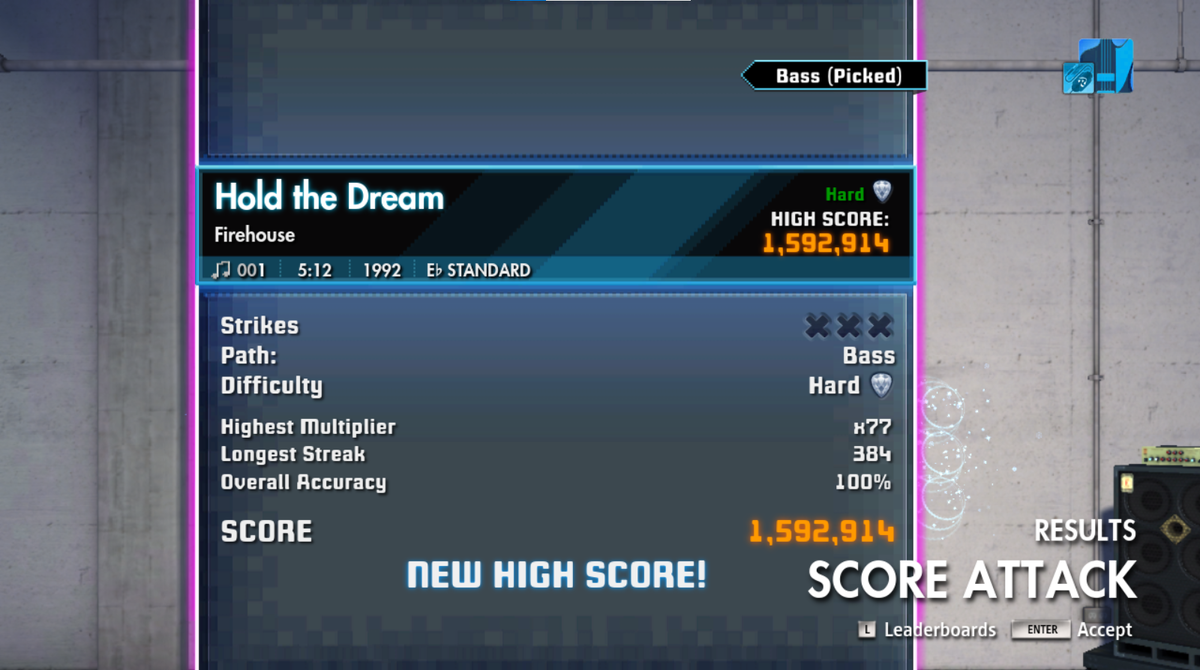
Hi, cant make more score than @Nomgoose and @JobwanMojo . Congratulations!- Rocksmith 2014 Championship Week 663
- Rocksmith 2014 Championship Week 663
Important Information
By using this site, you agree to our Guidelines. We have placed cookies on your device to help make this website better. You can adjust your cookie settings, otherwise we'll assume you're okay to continue. - Privacy Policy
- Rocksmith 2014 Championship Week 667
Account
Navigation
Search
Configure browser push notifications
Chrome (Android)
- Tap the lock icon next to the address bar.
- Tap Permissions → Notifications.
- Adjust your preference.
Chrome (Desktop)
- Click the padlock icon in the address bar.
- Select Site settings.
- Find Notifications and adjust your preference.
Safari (iOS 16.4+)
- Ensure the site is installed via Add to Home Screen.
- Open Settings App → Notifications.
- Find your app name and adjust your preference.
Safari (macOS)
- Go to Safari → Preferences.
- Click the Websites tab.
- Select Notifications in the sidebar.
- Find this website and adjust your preference.
Edge (Android)
- Tap the lock icon next to the address bar.
- Tap Permissions.
- Find Notifications and adjust your preference.
Edge (Desktop)
- Click the padlock icon in the address bar.
- Click Permissions for this site.
- Find Notifications and adjust your preference.
Firefox (Android)
- Go to Settings → Site permissions.
- Tap Notifications.
- Find this site in the list and adjust your preference.
Firefox (Desktop)
- Open Firefox Settings.
- Search for Notifications.
- Find this site in the list and adjust your preference.